test

Ends in:
test
Skip to content
Scholarsight

3D Printing Using Ultimaker Cura

Learn 3D printing with Ultimaker Cura from scratch. Master slicing settings, printer setup, supports, infill, troubleshooting, and optimization for high-quality 3D prints.

Created by
·
0 learners
Advanced
Published 2026 · Last updated Aug 2026

3D Printing Using Ultimaker Cura

lifetime access

Buy now

Course overview

Course Overview

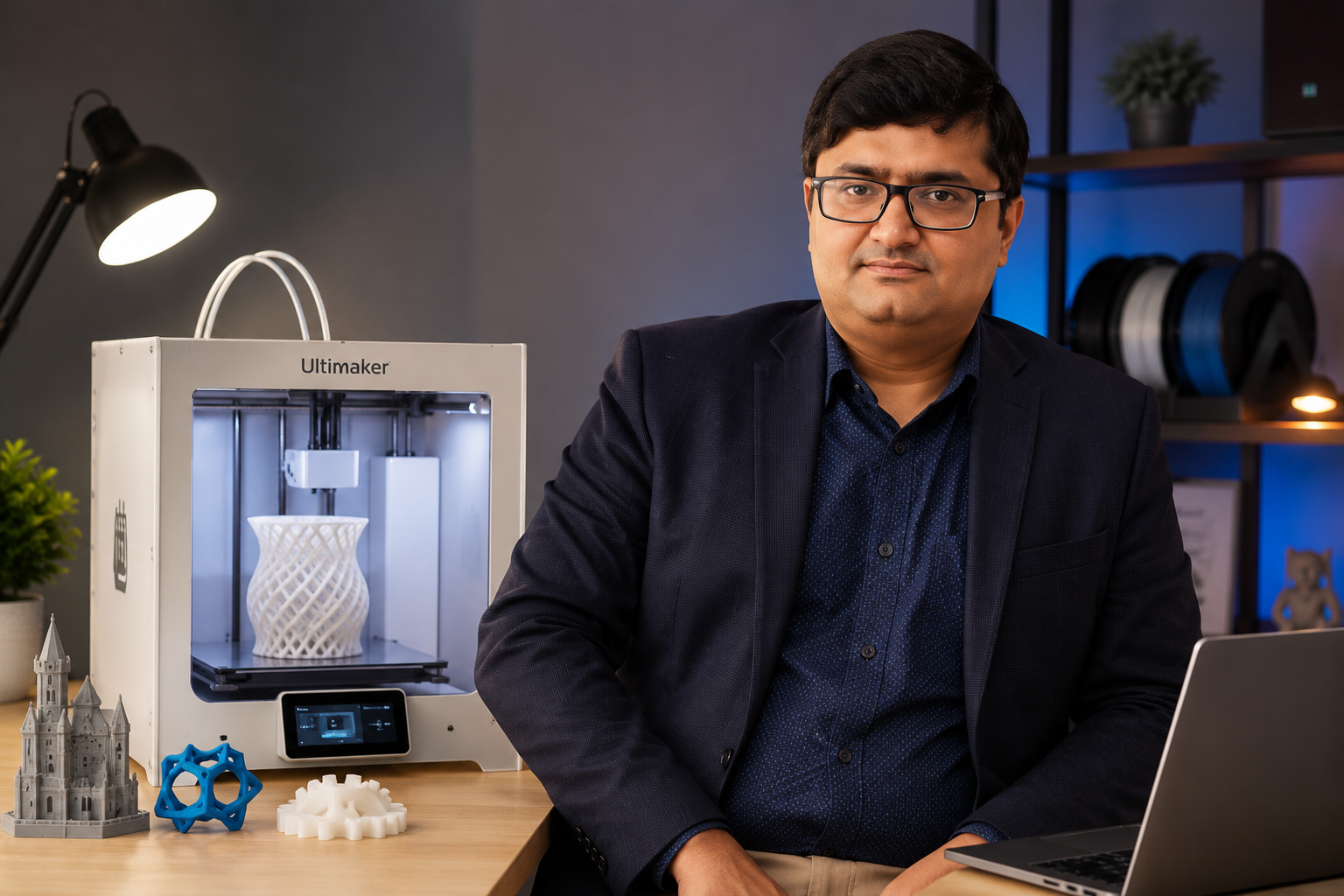
Welcome to the 3D Printing Foundation Course, a beginner-friendly course designed to help you master the fundamentals of 3D printing using Ultimaker Cura. Whether you are a student, hobbyist, engineer, designer, educator, or maker, this course will provide you with the knowledge and practical skills to transform digital 3D models into physical objects.

You will learn the complete 3D printing workflow—from understanding how 3D printers work and preparing models for printing to configuring print settings, selecting suitable materials, and producing high-quality prints using Ultimaker Cura. Through hands-on demonstrations and practical projects, you will gain the confidence to create and print a variety of real-world objects.


Learning Outcomes

Understand the fundamentals of 3D printing and the complete printing workflow.

Prepare and print 3D models using Ultimaker Cura.

Configure printer settings to optimize print quality and performance.

Select appropriate materials and printing methods for different applications.

Create and produce your own 3D-printed prototypes and models.

Troubleshoot common 3D printing issues and apply best practices to improve print quality, efficiency, and overall printing success.

What you walk away with

Career Map & Skills You Gain

Every course adds to three macro skills. Log in to swap platform averages for your own numbers.

Financial skills

62th

percentile

Your salary vs. learners in these roles

After this course+14 pts → 76th

Engineering Specialist

78% course score

+8

Project Contributor

66% course score

+7

Independent Practitioner

61% course score

+6

Employability skills

71th

percentile

Quiz scores from the courses you finish

After this course+18 pts → 89th

Understand the fundamentals of 3...

64% course score

+6 pts

Prepare and print 3D models usin...

70% course score

+7 pts

Configure printer settings to op...

76% course score

+8 pts

Select appropriate materials and...

82% course score

+8 pts

Life skills

48th

percentile

Life-skill test scores after each course

After this course+11 pts → 59th

Critical thinking

76% course score

+8 pts

Decision-making

71% course score

+7 pts

Analytical mindset

68% course score

+7 pts

Curriculum

8 modules · 59 lessons · 5 hr 34 min

Each module pairs the hand calculation with the same analysis in Excel, SPSS, R and Python.

Welcome and Introduction to Course
Preview
4:12
Know Your Instructor
1:30
How to Download, Install and Run the Ultimaker Cura
6:08
Getting Familiar With the Cura Interface
3:09
Introduction to 3D Printing
1:10
What You Can Do with 3D Printing?
6:12
What is Difference Between Additive Manufacturing, Rapid Prototyping, and 3DP?
5:36
Why to Use 3D Printing and Rapid Prototyping?
7:17
When to Use 3D Printing?
4:33
Classification of 3D Printing
5:37
Simulating Process of 3D Printing Using Ultimaker Cura
2:10
How to Print STL Files?
1:55
Introduction to Setting a 3D Printer
Preview
1:20
Adding new Machine: Part 1
6:03
Adding new Machine: Part 2
6:15
Adding new Machine: Part 3
8:21
Customizing Material Setting
9:19
Loading a Model
3:35
Merging Models
1:47
Navigating in Cura
1:35
Move Tool: Learning to Move the Object
8:09
Scale Tool: Scaling up or Scaling Down the Object
10:07
Rotate Tool: Learning to Rotate the Object
6:20
Mirror Tool
2:06
Support Blocker Tool
10:31
Extruder Selection Tool
9:00
Unit Introduction
0:46
Print Setting
Preview
6:29
Setting Quality and Layer Height
10:31
Shell Wall Setting
9:00
Shell Top/Bottom Thickness Setting
7:29
Infill Density and Infill Pattern Setting
14:50
Material Setting: Print Temperature and Build Plate Temperature
14:01
Print Speed Setting
11:45
Travel Setting: Enabling Retraction
3:26
Cooling Setting: Enabling Print Cooling
5:48
Support Setting
19:32
Build Plate Adhesion Setting: Brim
6:36
Build Plate Adhesion Setting: Raft
Preview
3:40
Build Plate Adhesion Setting: Skirt
3:37
Setting View Modes
7:57
Model Setting Tools
3:11
Setting Dual Extrusion Mode
6:03
Unit Introduction
1:23
Union Overlapping Volume
7:13
Remove All Holes
4:18
Extensive Stitching
5:54
Keep Disconnected Faces
Preview
6:26
Unit Introduction
Preview
1:07
Print Sequence
4:51
Mold
1:20
Surface Mode
3:44
Spiralize Outer Contour
3:19
Slicing Tolerance
6:54
Enable Draft Shield
2:04
Make Overhand Printable
3:03
Fuzzy Skin
1:12
Use Adaptive Layers
1:57
quiz
10:00
₹850.00 Enroll Now
Meet your instructors

Learn from Experts and Leaders

4.5
Rating
1
Reviews
6
Students
56
Courses

An experienced and passionate instructor, [Name] is dedicated to fostering a dynamic and engaging learning environment where students feel motivated to grow both academically and personally. With a strong foundation in their subject area, they bring clarity, structure, and enthusiasm to every lesson, ensuring complex concepts are made accessible and relevant. Their teaching approach blends theoretical knowledge with practical application, encouraging students to think critically and develop problem-solving skills. Known for their supportive and approachable demeanor, [Name] builds meaningful connections with students, understanding that each learner has unique strengths and challenges. They are committed to creating an inclusive classroom atmosphere where curiosity is encouraged, questions are welcomed, and every student feels valued. By adapting teaching methods to suit diverse learning styles, they help students gain confidence and achieve their full potential. Beyond the classroom, [Name] is deeply invested in continuous learning and professional development, staying updated with the latest educational practices and advancements in their field. They often contribute to curriculum development, mentorship programs, and extracurricular activities, reinforcing their role as not just an instructor, but a mentor and guide. Their ultimate goal is to inspire lifelong learning and empower students to succeed in an ever-evolving world.

More
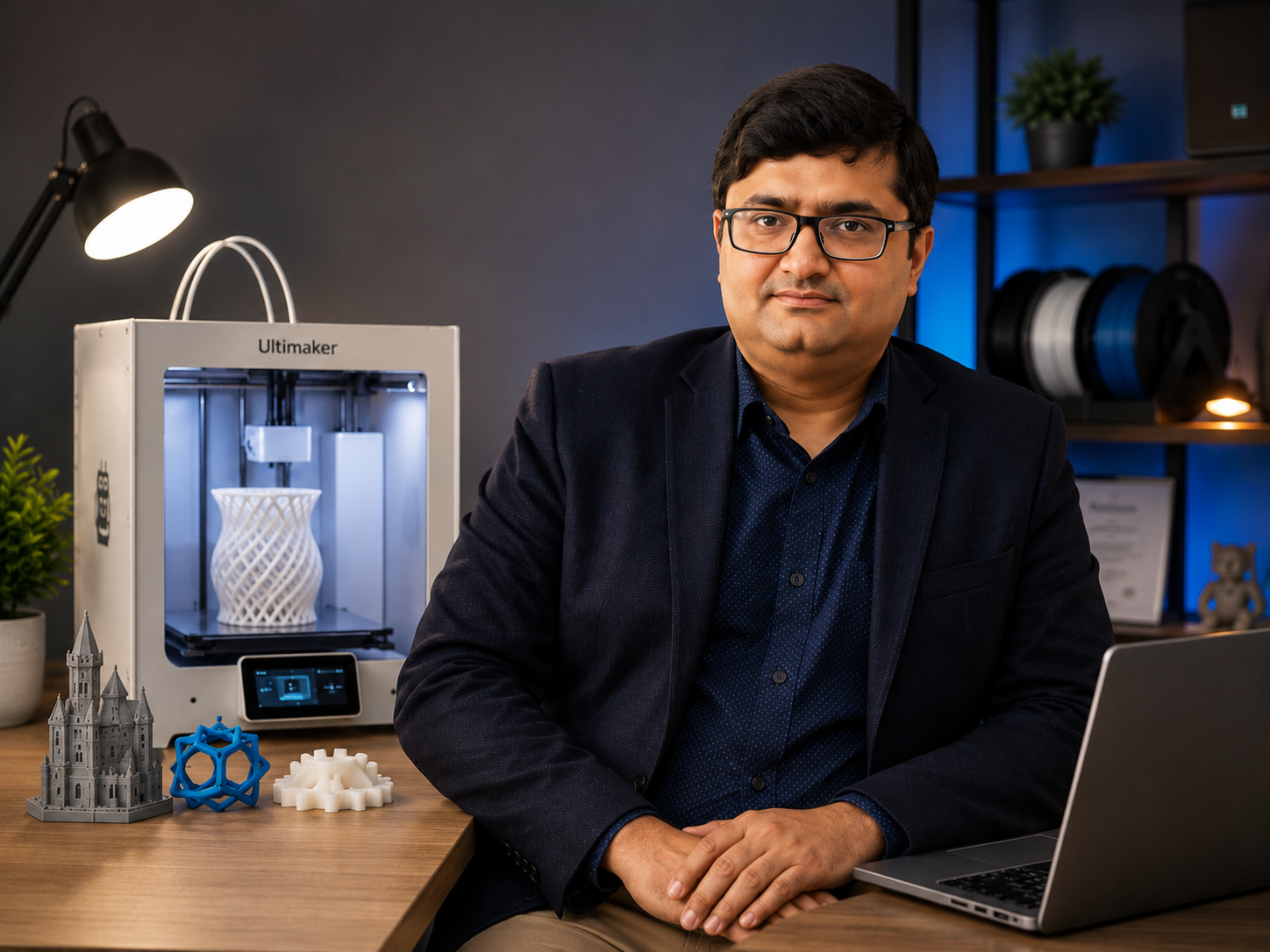
Dr. Ashish Khaira

Dr. Ashish Khaira

Ph.D. (Mechanical Engineering, NIT Bhopal) | CAD/CAM Expert | 3D Printing Trainer

0.0
Rating
0
Reviews
1
Students
1
Courses

Dr. Ashish Khaira is a distinguished academician and researcher with a Ph. D. in Mechanical Engineering (NIT Bhopal) and extensive expertise in 3D Printing, Additive Manufacturing, CAD/CAM, and Advanced Manufacturing Technologies. Passionate about innovation and engineering education, he specializes in teaching the complete 3D printing workflow using Ultimaker Cura, enabling learners to transform digital designs into high-quality physical prototypes. His practical, hands-on teaching approach combines strong theoretical foundations with real-world applications, making complex engineering concepts easy to understand for students, researchers, hobbyists, and industry professionals alike. Through his engaging courses, Dr. Khaira equips learners with the knowledge and technical skills required to confidently use modern 3D printing technologies for product development, rapid prototyping, research, and manufacturing, empowering them to excel in the rapidly evolving world of additive manufacturing.

More

Reviews

What learners say

You need to have access to this course to write a review

Buy Now
0.0

0 reviews

  • No reviews yet.

Questions

Frequently asked

Who is this course for?

This course is designed for learners who want a practical, comprehensive path through the course subject.

What will I learn?

You will build practical knowledge through the course lessons, examples, and activities.

How long do I have access?

Your course access remains available for the lifetime of your account, including future updates.

Do I get a certificate?

Yes. A verifiable certificate of completion is issued when you finish the course requirements.

Is there a refund policy?

Yes. There is a 30-day money-back guarantee, no questions asked.

We are committed to your progress

Lifetime access, mentor Q&A on every lesson, and a certificate you can share the moment you finish. If it is not right for you, the first 30 days are on us.

Start this learning path

Expand Your Knowledge

Related Courses

Course preview

Preview

Loading preview...

Preview Unavailable

Forgot?